Pressure profiles for hand-drawn strokes
Arguments
- value
Maximum pressure supplied to the brush, in the range
0to1.- taper
How strongly pressure changes over the stroke.
0keeps the pressure flat;1applies the full profile shape.- turn_taper
How strongly pressure is reduced at sharp turns.
- start, end
Relative pressure at the start and end of a human-style stroke when
taper = 1.- peak
Position of peak pressure along the stroke, in the range
0to1.- pattern
Alternating on/off dash lengths in device units. The default uses a 2:1 on/off ratio like base R's dashed line, at a moderate brush-scale length.
Value
A pressure-profile function for the pressure argument of hand()
and human_hand(). Custom functions can also be supplied directly; they
must accept t, normalized stroke progress in the range 0 to 1,
turn in the range 0 to 1, and length, the total stroke length in
device units. turn describes local path curvature: 0 is straight,
larger values are sharper corners, and values near 1 are near reversals.
Custom functions must be vectorized over t and turn, and return either
length 1 or length(t).
Examples
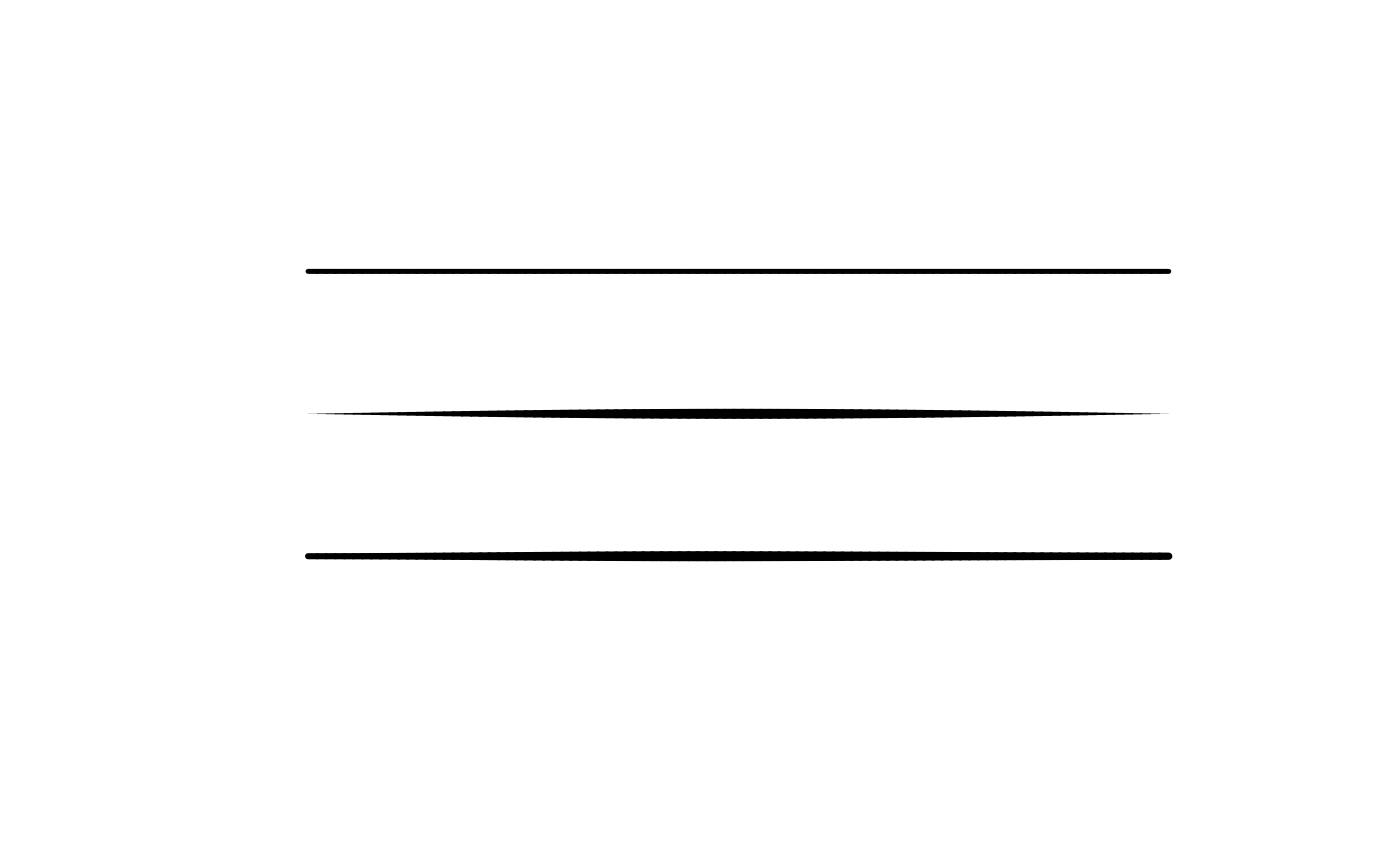
plot.new()
plot.window(c(0, 10), c(0, 10))
draw_rough_lines(c(1, 9), c(8, 8), lwd = 5,
                 hand = hand(pressure = pressure_flat(0.5)))
draw_rough_lines(c(1, 9), c(5, 5), lwd = 5,
                 hand = hand(pressure = pressure_smooth()))
draw_rough_lines(c(1, 9), c(2, 2), lwd = 5,
                 hand = hand(pressure = pressure_human()))