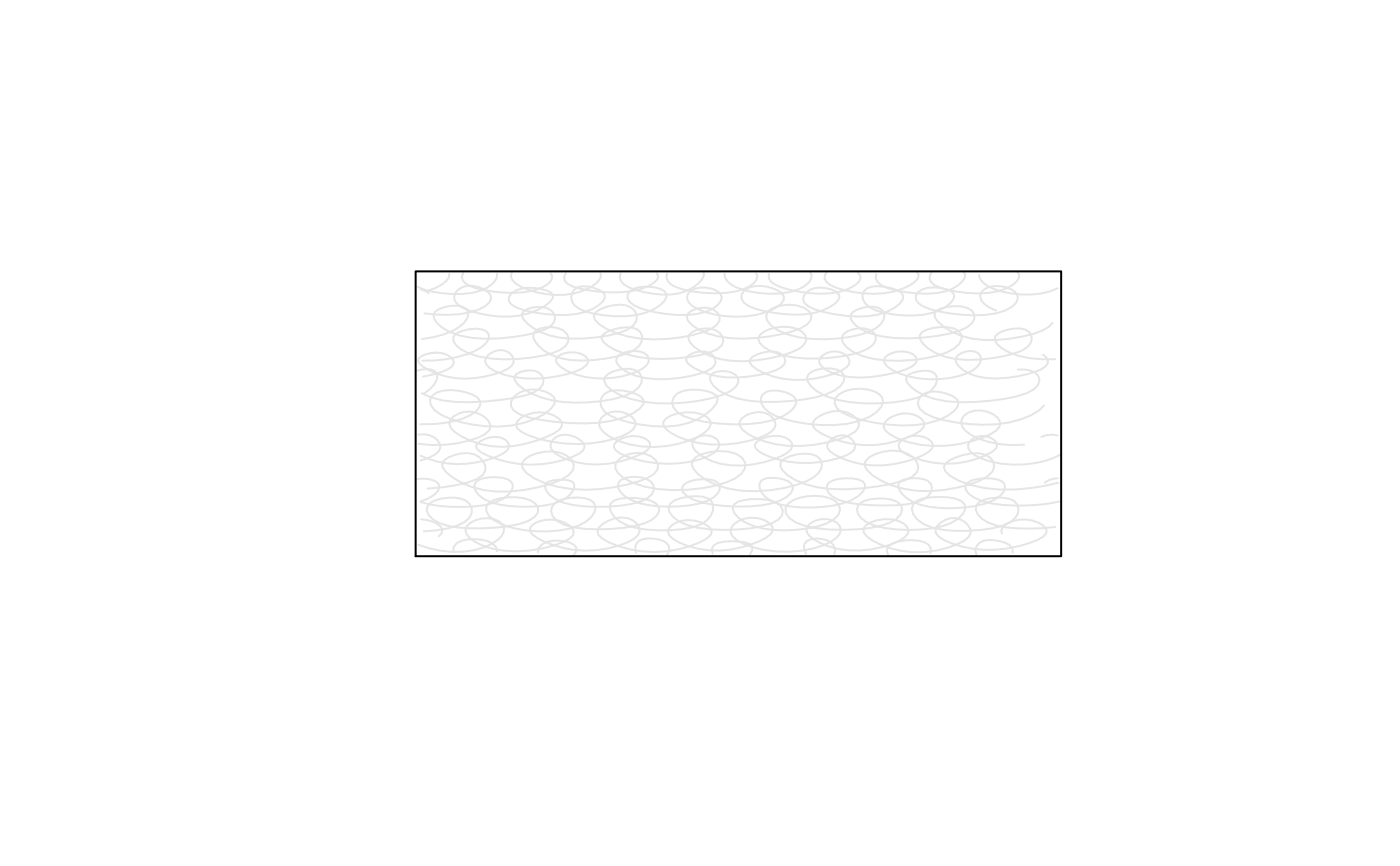
Jumble fill pattern
Usage
jumble(
  angle = 0,
  density = 5,
  radius = 0.76/density,
  wobble = 0.2,
  clip = TRUE,
  padding = 0
)
Arguments
- angle
Base angle in degrees for the underlying guide lines.
- density
Approximate line density in lines per inch. Larger values give denser fills.
- radius
Loop radius in inches. Defaults to
0.76 / density, so the loops are sized as a fraction of the line spacing.- wobble
Amount of irregularity in the loop shapes, spacing, and size. Larger values give less even, more varied loops.
- clip
When
TRUE, split loop paths at the shape boundary.- padding
Inset from the polygon edge in inches. Positive values leave a small gap between the fill pattern and the boundary.
See also
Other fill patterns:
crosshatch(),
hatch(),
zigzag()
Examples
plot.new()
plot.window(xlim = c(0, 10), ylim = c(0, 10))
draw_rough_rect(2, 2, 8, 8, col = "red", fill_pattern = jumble())