Compute or draw a rough rectangle
Usage
rough_rect(x0, y0, x1, y1, hand = NULL)

draw_rough_rect(
  x0,
  y0,
  x1,
  y1,
  hand = NULL,
  col = NA,
  border = graphics::par("fg"),
  fill_pattern = NULL,
  ...
)
Arguments
- x0, y0
Rectangle corner.
- x1, y1
Opposite rectangle corner.
- hand
Hand-drawn geometry settings created with
hand().- col
Fill colour. When visible and
fill_patternisNULL, a solid fill is drawn.- border
Border colour.
- fill_pattern
Optional fill pattern created with
hatch(),crosshatch(),zigzag(), orjumble().- ...
Graphics parameters passed to
graphics::lines().
Value
A list with x and y components containing a roughened closed
outline suitable for plotting with graphics::lines().
See also
Other rough drawing helpers:
rough_arrows(),
rough_lines(),
rough_points(),
rough_polygons(),
rough_polypath(),
rough_segments()
Examples
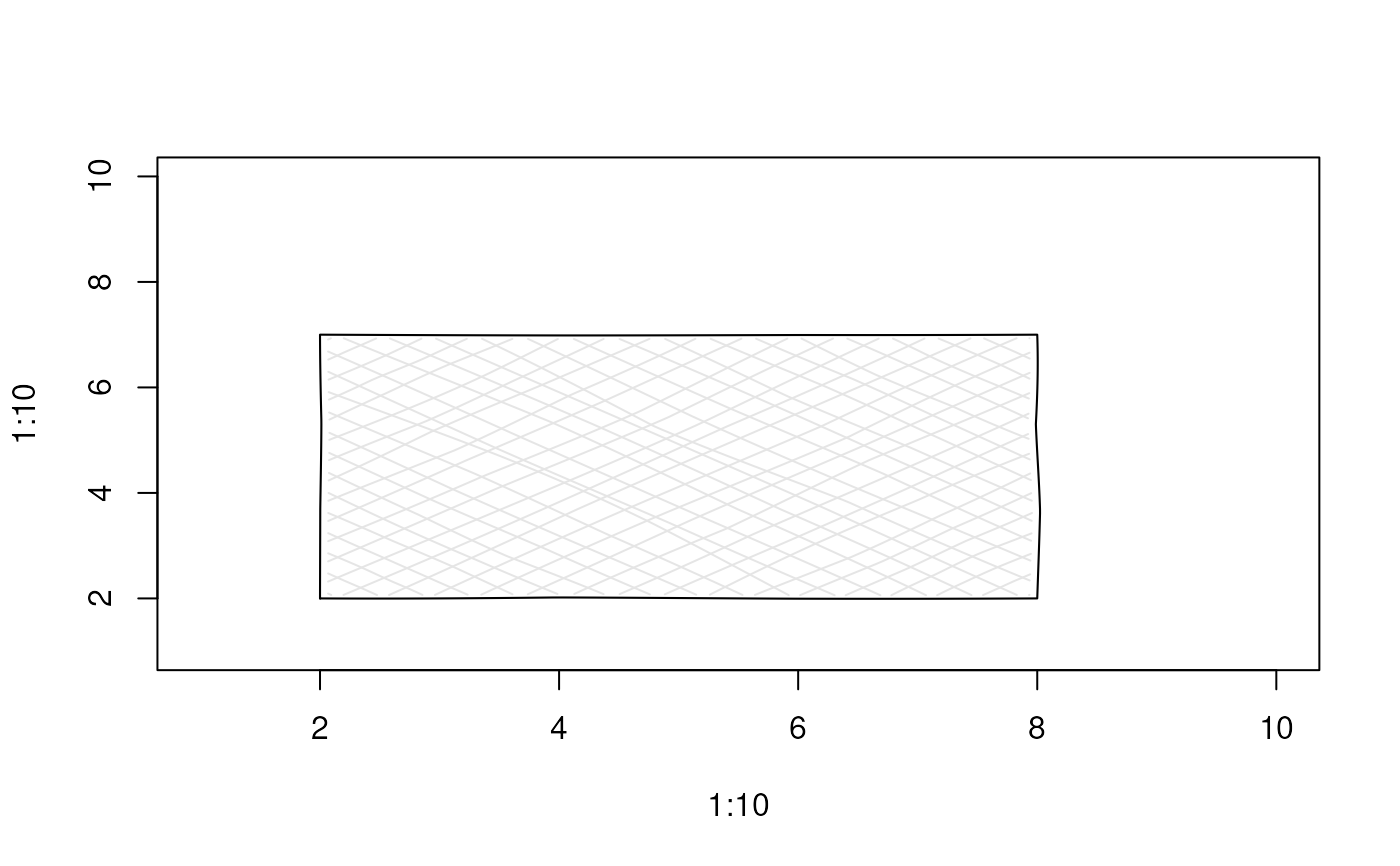
plot(1:10, 1:10, type = "n")
draw_rough_rect(2, 2, 8, 7,
                hand = human_hand(),
                col = "red",
                fill_pattern = crosshatch(padding = 0.05))